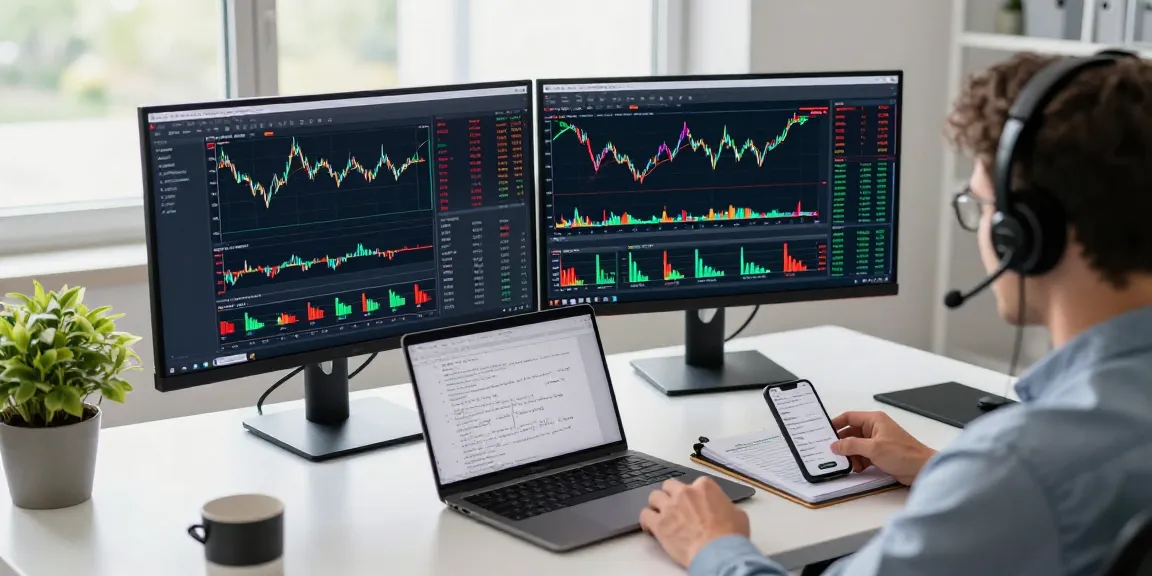

Understanding the MetaTrader 5 Platform
MetaTrader 5 (MT5) is a next-generation trading platform developed by MetaQuotes, designed to cater to the comprehensive needs of modern traders. This platform enables users to execute trades across various markets including Forex, stocks, and futures, all within a single environment. By offering robust features such as advanced charting, a wide array of analytical tools, and seamless order execution, MetaTrader 5 emerges as a preferred choice for both novice and experienced traders alike.
What is MetaTrader 5?
MetaTrader 5 is an advanced trading platform that follows the success of its predecessor, MetaTrader 4. It is optimized for trading across multiple asset classes and features an array of sophisticated tools for technical analysis, automated trading, and back-testing. As trading evolves, MT5 facilitates traders to adapt through its multi-asset capabilities, allowing them to trade in different markets efficiently.
Key Features of MetaTrader 5
- Multi-Asset Trading: Trade Forex, stocks, commodities, and futures from one platform.
- Advanced Charting Tools: Utilize a variety of chart types and technical indicators to analyze market trends.
- Automated Trading: Implement trading algorithms using Expert Advisors (EAs) to automate trading strategies.
- Comprehensive Analytical Tools: Access built-in economic calendar and news feeds for informed trading decisions.
- Cross-Platform Accessibility: Available on desktop, web, and mobile, enabling trading on-the-go.
How to Set Up Your MetaTrader 5 Account
Setting up an account with MetaTrader 5 is a straightforward process. Users must first download the platform from the official website or app store, then create a trading account through a broker that supports MT5. After the account is set up, users can customize their interface by saving chart layouts, creating templates, and adding indicators tailored to their trading styles.
Choosing the Right Trading Terminal
Desktop vs. Mobile Trading on MetaTrader 5
Choosing between desktop and mobile trading should align with your trading strategy and lifestyle. The desktop version of MetaTrader 5 offers an extensive array of tools and is perfect for detailed market analysis, while the mobile application provides convenience and flexibility for trading on the move. Traders can benefit from using both; for instance, performing in-depth analyses on desktop while monitoring trades on mobile.
Web Platform Advantages for Traders
The web platform of MetaTrader 5 allows users to trade directly from their browsers, providing the flexibility to access their trading accounts from any device without installation. This feature is particularly useful for those who travel often or need quick access to their accounts. The web version is equipped with essential trading functionalities, ensuring users are never far from their trading activities.
Cross-Device Trading: A Seamless Experience
MT5’s cross-device functionality ensures that traders can switch seamlessly between devices without losing their setups. This integrated experience is crucial for users who may need to conduct trades while commuting or in less traditional trading environments. All data, including charts, positions, and account information, is synchronized across all platforms.
Strategies for Success with MetaTrader 5
Using Technical Analysis Tools Effectively
To succeed in trading on MetaTrader 5, leveraging technical analysis tools is essential. Traders should familiarize themselves with the vast array of charting tools and indicators available, such as Moving Averages, Fibonacci retracement, and the Relative Strength Index (RSI). By effectively using these tools, traders can make informed entry and exit decisions based on market signals.
Automating Your Trading with Expert Advisors
Automated trading via EAs allows traders to implement complex strategies without needing to monitor the market continuously. By programming specific trading criteria into Expert Advisors, users can execute trades 24/7 based on predefined strategies, which can greatly enhance trading efficiency and remove emotional biases from trading decisions.
Risk Management Techniques for Traders
Effective risk management is crucial in trading. MetaTrader 5 provides tools such as stop-loss and take-profit orders to help mitigate risks. Traders are encouraged to set clear risk parameters and stick to them, ensuring they only risk a small percentage of their trading capital on any single trade. This discipline can safeguard accounts from significant losses and help in long-term trading success.
Common Questions About MetaTrader 5
What Markets Can You Trade with MetaTrader 5?
MetaTrader 5 supports trading in a variety of markets, including Forex, stocks, commodities, and futures. This multi-asset capability makes it an appealing choice for traders looking to diversify their portfolios. Whether you are interested in currency pairs or stock indices, MT5 offers a comprehensive range of instruments.
Can Beginners Use MetaTrader 5?
Yes, MetaTrader 5 is designed with both novice and experienced traders in mind. The user-friendly interface, comprehensive tutorials, and demo accounts allow beginners to learn and practice trading strategies without financial risk. Additionally, the platform’s analytical tools help new traders make informed decisions.
How to Optimize MetaTrader 5 for Performance?
To optimize performance, traders should ensure they have a stable internet connection and a compatible device. Regularly updating the platform and managing the number of open charts and indicators can also enhance speed. Users can customize their settings to limit resource consumption and improve overall efficiency.
Future Trends in Trading Platforms (2026 and Beyond)
Emerging Technologies Impacting Trading
As technology evolves, trading platforms like MetaTrader 5 are likely to integrate even more advanced features, including Artificial Intelligence (AI) for predictive analytics and machine learning algorithms for enhanced trading strategies. Additionally, blockchain technology may play a role in increasing transparency and security in trading operations.
Expected Developments for MetaTrader 5
In the coming years, we can expect MetaTrader 5 to incorporate enhanced social trading features, allowing traders to share strategies and insights in real time. Improved analytical tools and integrations with new financial instruments, such as cryptocurrencies, are also on the horizon, further expanding traders’ options and capabilities.
Preparing for Changes in Trading Strategies
As market conditions change, traders must be agile in adapting their strategies. Staying informed about industry trends, economic indicators, and new trading technologies will be crucial. Using platforms like MetaTrader 5 that embrace innovation will give traders a competitive edge.
Can I Trade MetaTrader 5 with $10?
Yes, you can start trading with as little as $10 on MetaTrader 5, depending on your broker’s minimum deposit requirements. However, to engage in more substantive trades and manage risks effectively, it is advisable for traders to consider a higher initial investment, typically between $100 to $1,000.
How do I access the MetaTrader 5 demo?
Accessing the MetaTrader 5 demo account is easy. Most brokers offer a free demo option, allowing users to practice trading in a simulated environment. After registering with a broker that supports MT5, users can choose the demo account option during the account creation process to explore the platform without financial commitment.
What are the system requirements for MetaTrader 5?
To run MetaTrader 5 smoothly, users need a computer with a modern operating system such as Windows 7 or later. A minimum of 1 GB RAM is required, along with a stable internet connection. For mobile users, MT5 is available on both Android and iOS devices, ensuring accessibility across various platforms.