
Understanding MetaTrader 4 and Its Core Features
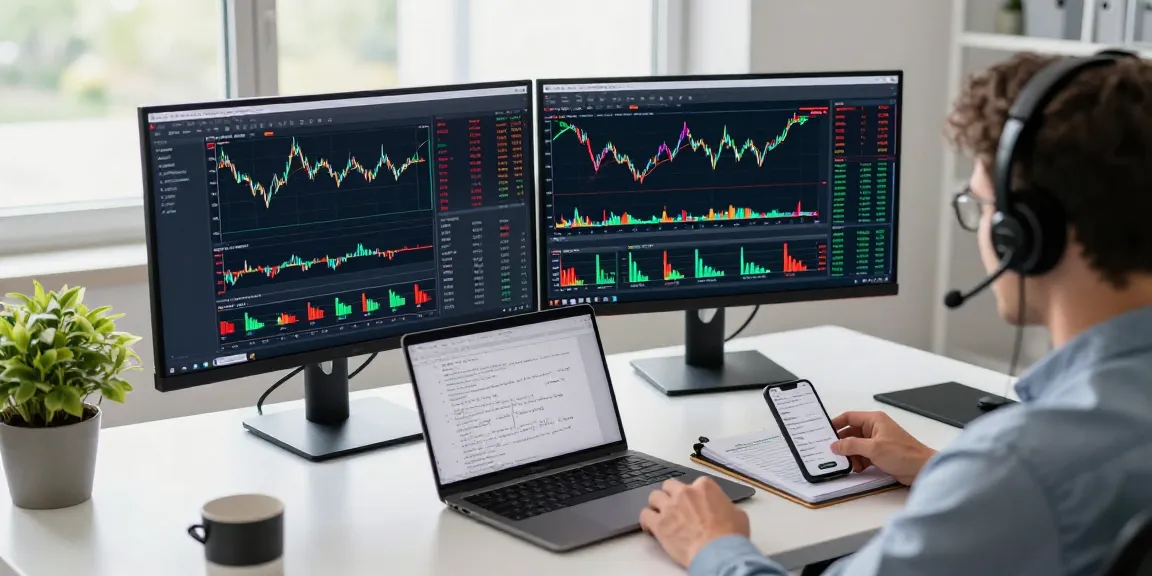
MetaTrader 4 (MT4) is a highly popular trading platform utilized by millions of traders worldwide. It serves as a comprehensive tool for forex trading, providing a plethora of functionalities that cater to both novice and experienced traders. With its user-friendly interface and powerful capabilities, MT4 enables users to analyze market trends, execute trades, and automate trading strategies through Expert Advisors (EAs). When exploring options, MetaTrader 4 delivers valuable insights and tools necessary for optimal trading performance.
What is MetaTrader 4?
MetaTrader 4 is a widely recognized trading platform developed by MetaQuotes Software Corp. Its primary function is to facilitate forex trading, but it also supports trading in contracts for difference (CFDs) and commodities. Launched in 2005, MT4 quickly became the preferred choice for retail traders due to its robust features and flexibility.
Key Functions of the MT4 Platform
- Charting Tools: MT4 offers a variety of charting options, allowing users to visualize price movements and market trends effectively.
- Technical Indicators: The platform includes numerous built-in technical indicators that help traders analyze past price movements and predict future trends.
- Order Execution: MT4 supports various order types, including market, limit, and stop orders, enabling traders to implement their strategies efficiently.
- Trade Management: Users can manage their open positions and account balances, track trade history, and customize risk management settings.
- Expert Advisors (EAs): MT4 allows the use of automated trading systems that execute trades based on predetermined algorithms, enhancing trading effectiveness.
Differences Between MetaTrader 4 and MetaTrader 5
While both platforms are designed for trading, there are significant differences between MetaTrader 4 and its successor, MetaTrader 5 (MT5). MT4 is primarily focused on forex trading, whereas MT5 supports a broader range of assets, including stocks and commodities. Additionally, MT5 offers more advanced order types and built-in analytical tools, making it more suitable for traders looking to diversify their portfolios. However, MT4 remains favored by forex traders due to its simplicity and strong community support.
Setting Up Your MetaTrader 4 Account
Creating an MT4 Account: Step-by-Step
To begin trading with MT4, you first need to create an account with a broker that supports the platform. The following steps outline the process:
- Choose a Broker: Research and select a reputable broker that offers MT4 as a trading platform.
- Complete Registration: Fill out the registration form on the broker’s website, providing necessary personal and financial information.
- Verify Your Identity: Submit any required documentation for identity verification as per the broker’s policies.
- Download MT4: Once your account is approved, download the MT4 software from the broker’s website.
- Install the Platform: Follow the installation instructions, and then log into your MT4 account using the credentials provided by your broker.
Choosing the Right Broker for MT4
Selecting the right broker is crucial for a successful trading experience on MT4. Consider the following factors when making your choice:
- Regulation: Ensure the broker is regulated by a reputable authority to safeguard your funds.
- Spreads and Commissions: Compare trading costs, including spreads and commissions, to find the most cost-effective option.
- Customer Support: Look for brokers that offer reliable customer support to assist you with any issues that may arise.
- Account Types: Review the different account types available to find one that meets your trading style and needs.
Platform Installation: Desktop and Mobile Options
MT4 is available for both desktop and mobile devices, providing flexibility for traders who need to access the platform on the go. The installation process for both versions is straightforward:
- Desktop: Download the desktop application from your broker’s website, run the installation file, and follow the on-screen instructions.
- Mobile: Search for “MetaTrader 4” in your device’s app store (iOS or Android) and download the official app. Once installed, log in with your account credentials.
Navigating the MetaTrader 4 Interface
Understanding the MT4 Dashboard
The MT4 dashboard is designed for ease of use, presenting traders with all necessary tools and information at their fingertips. The main components include:
- Market Watch: This window displays real-time quotes for available currency pairs and assets.
- Charting Area: The central part of the interface where price charts can be viewed and analyzed.
- Navigator: This panel holds your accounts, indicators, EAs, and scripts for quick access.
- Terminal Window: This section shows trade history, open positions, alerts, and news, consolidating important information for traders.
Charting Tools and Technical Indicators
MT4 offers a rich array of charting tools and technical indicators. Traders can customize charts by selecting various timeframes, adding trend lines, and applying technical indicators to assist in analyzing market conditions. Popular indicators available on MT4 include:
- Moving Averages: Helps identify trends by smoothing out price data.
- Relative Strength Index (RSI): Measures the speed and change of price movements, indicating overbought or oversold conditions.
- Bollinger Bands: Provides insights into price volatility and potential market turning points.
Managing Orders and Trade History
Effective trade management is essential for success in forex trading. MT4 allows users to manage orders seamlessly with options to modify or cancel orders as needed. The trade history feature provides a record of previous trades, allowing traders to analyze their performance and refine their strategies based on past results.
Utilizing Expert Advisors on MetaTrader 4
What are Expert Advisors (EAs)?
Expert Advisors are sophisticated automated trading systems that can perform trading operations on behalf of users based on predefined parameters and algorithms. They are particularly valuable for traders who wish to remove emotional biases from trading or have strategies that require constant monitoring.
How to Install and Configure EAs
Installing and configuring EAs on MT4 involves a few key steps:
- Download the EA: Obtain the EA file, typically in .ex4 format, from a reliable source.
- Copy to the Correct Folder: Place the EA file in the MQL4/Experts directory within your MT4 installation folder.
- Restart MT4: Close and reopen the MT4 platform to allow it to recognize the new EA.
- Attach the EA to a Chart: Drag and drop the EA onto the desired chart from the Navigator panel.
Best Practices for Automated Trading with MT4
While EAs can be powerful tools, following best practices is essential for maximizing their effectiveness:
- Backtesting: Always backtest an EA using historical data to evaluate its performance before using it on a live account.
- Monitoring: Regularly monitor the EA’s performance to ensure it operates as expected and adjust settings as necessary.
- Diversification: Consider using multiple EAs with different trading strategies to diversify risk.
Common Challenges and Tips for Success in Forex Trading
Addressing Common Misconceptions about MT4
Many misconceptions surround the use of MetaTrader 4 that can hinder effective trading. One common belief is that automated trading guarantees profits. In reality, while EAs can enhance trading efficiency, they do not eliminate risks and can incur losses if not properly managed.
Strategies for Effective Risk Management
Risk management is a fundamental aspect of successful trading. Implement these strategies to protect your capital:
- Set Stop Loss Orders: Always use stop loss orders to limit potential losses on each trade.
- Position Sizing: Determine the appropriate position size based on your risk tolerance and account balance.
- Diversification: Spread investments across different currency pairs and trading strategies to reduce exposure to market volatility.
Future Trends in Forex Trading and MT4 in 2026
The forex trading landscape continues to evolve, and MetaTrader 4 remains a crucial player. As of 2026, we can expect advancements in algorithmic trading, enhanced artificial intelligence for market analysis, and an increasing number of brokers adopting cloud-based trading solutions. Traders should stay informed about these trends to maintain a competitive edge in the industry.
What are the key benefits of using MetaTrader 4 for Forex trading?
The primary benefits of using MetaTrader 4 include its user-friendly interface, robust charting tools, extensive technical indicators, and strong community support. With the ability to automate trades through EAs, traders can enhance their trading efficiency and reduce the impact of emotional decision-making.
Can I guarantee profits using MetaTrader 4?
No trading platform, including MetaTrader 4, can guarantee profits. Trading involves inherent risks, and success depends on the trader’s skills, strategies, and market conditions. Proper risk management practices are essential to mitigate potential losses.
Where can I find resources for learning more about MT4?
Numerous resources are available for learning more about MetaTrader 4, including online tutorials, forums, and educational websites. Many brokers also offer training sessions and materials specific to their MT4 platform, making it easier for traders to become proficient.
How do I troubleshoot common issues with MetaTrader 4?
Common issues with MT4 can often be resolved through a few troubleshooting steps:
- Reconnect to the Server: If you experience connection issues, try disconnecting and reconnecting to your broker’s server.
- Check Settings: Ensure your account settings and parameters are correctly configured.
- Reinstall the Platform: If problems persist, consider uninstalling and reinstalling MT4 to reset the platform.
Is MetaTrader 4 suitable for beginners in Forex trading?
Yes, MetaTrader 4 is particularly well-suited for beginners due to its intuitive design and comprehensive resources. New traders can learn to navigate the platform and understand fundamental trading concepts with its robust educational materials and community support.